SAGALITH / Character creator
A character creator for people who belong to a world
Go beyond a name and a portrait. Build characters with a history, a motive and relationships you can follow through the rest of your story.
Every tool included. Free exports on every plan.
Build a person, not a list of traits
A useful character profile tells you what the person wants, what stops them and what they will not admit. Physical description helps you visualize them; a concrete motivation helps you write their next decision.
Begin with a small core: a role in the story, a goal and a relationship under pressure. Fill out biography and appearance when they become useful. SAGALITH's character entries keep those details in one place, with field-level brainstorming and optional drafts from a concept.
Keep a character database you can navigate
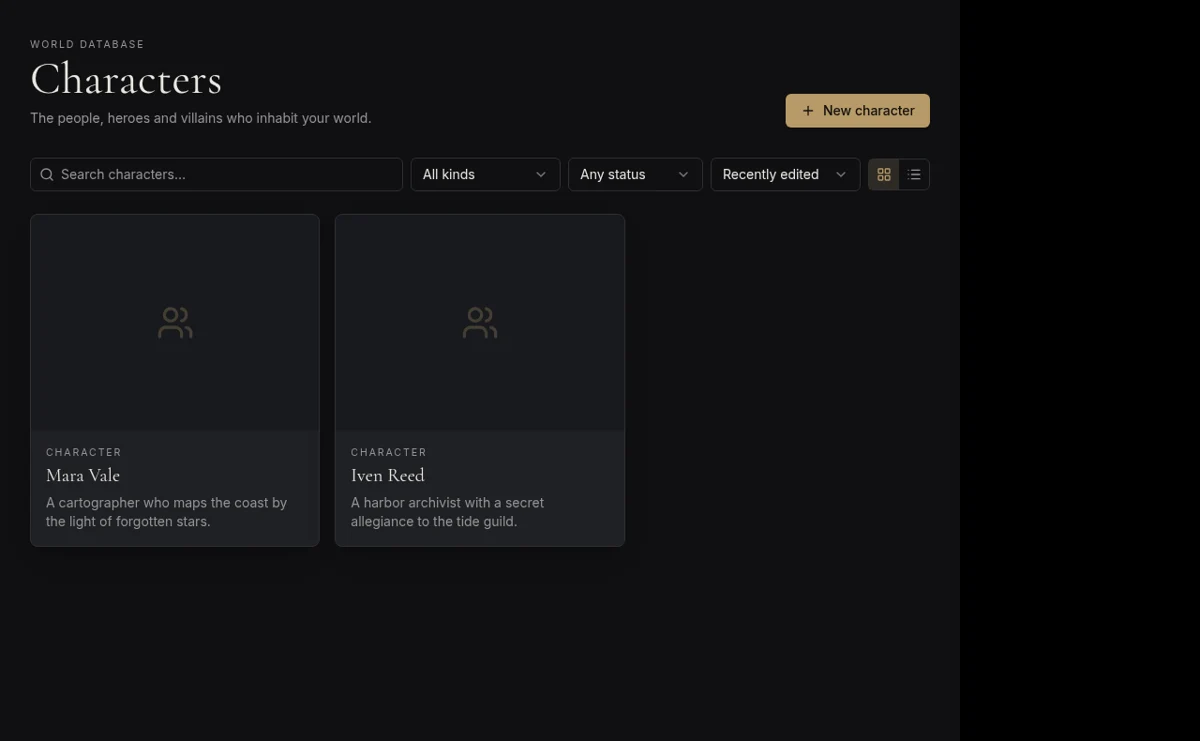
A cast grows quickly across a novel series or campaign. Search and filter the character archive rather than hunting through old documents. Link a character to a faction, home city or another person so their background is connected to the setting.
Family trees use parent and spouse relationships; the connection map gives you another view of your archive. They serve different questions: the family tree explains lineage, while linked entries help you trace loyalties, rivalries and other connections you record.
- Use a stable entry for each recurring character.
- Keep secrets in private entries rather than publishing them for players.
- Update the profile when a decision changes established lore.
Develop visual references alongside the profile
Visual Studio can generate portraits and reference images for a character. A locked visual identity and an anchor image help guide subsequent generations. Reference-led generation aims for continuity, but still needs your review; no AI image tool can promise identical results every time.
The profile remains useful without an image. For example, a navigator's weathered hands, distrust of royal charts and obligation to a rival guild may matter more to a scene than eye color. Create the character manually or use AI to explore possibilities, then keep the writing decisions yours.
Your first three steps
- 01
Add a character with a role, motivation and one unresolved conflict.
- 02
Connect them to a location, faction or another character.
- 03
Refine the profile and optionally create a visual reference in Visual Studio.
Before you begin
Is this a random character generator?
It is a persistent character archive with optional AI assistance, rather than only a random-result generator. You can edit profiles and link them to your world.
Can I use my own character artwork?
Yes. Upload an image for an entry; generating artwork with Visual Studio is optional and uses AI credits.