SAGALITH / Worldbuilding software
Worldbuilding software for worlds worth remembering
Build an encyclopedia that grows alongside your story. SAGALITH connects the people, places and rules of your universe with the chapters where they matter.
Every tool included. Free exports on every plan.
What belongs in a worldbuilding workspace?
A setting is more than a collection of names. It has relationships, histories and constraints: which faction controls a port, what a spell costs, and why two characters refuse to meet. A useful workspace makes those details easy to find when you are drafting.
SAGALITH brings character profiles, geography, nations, cultures, history, religions, magic systems, factions, creatures and artifacts into a linked archive. Books, chapters, storylines, notes and research live beside that lore rather than in a separate folder.
Start with the story, not an empty encyclopedia
You do not need to design an entire planet before writing a scene. Start with the protagonist, the place they need to reach, and the obstacle in the way. Add entries as those details become important.
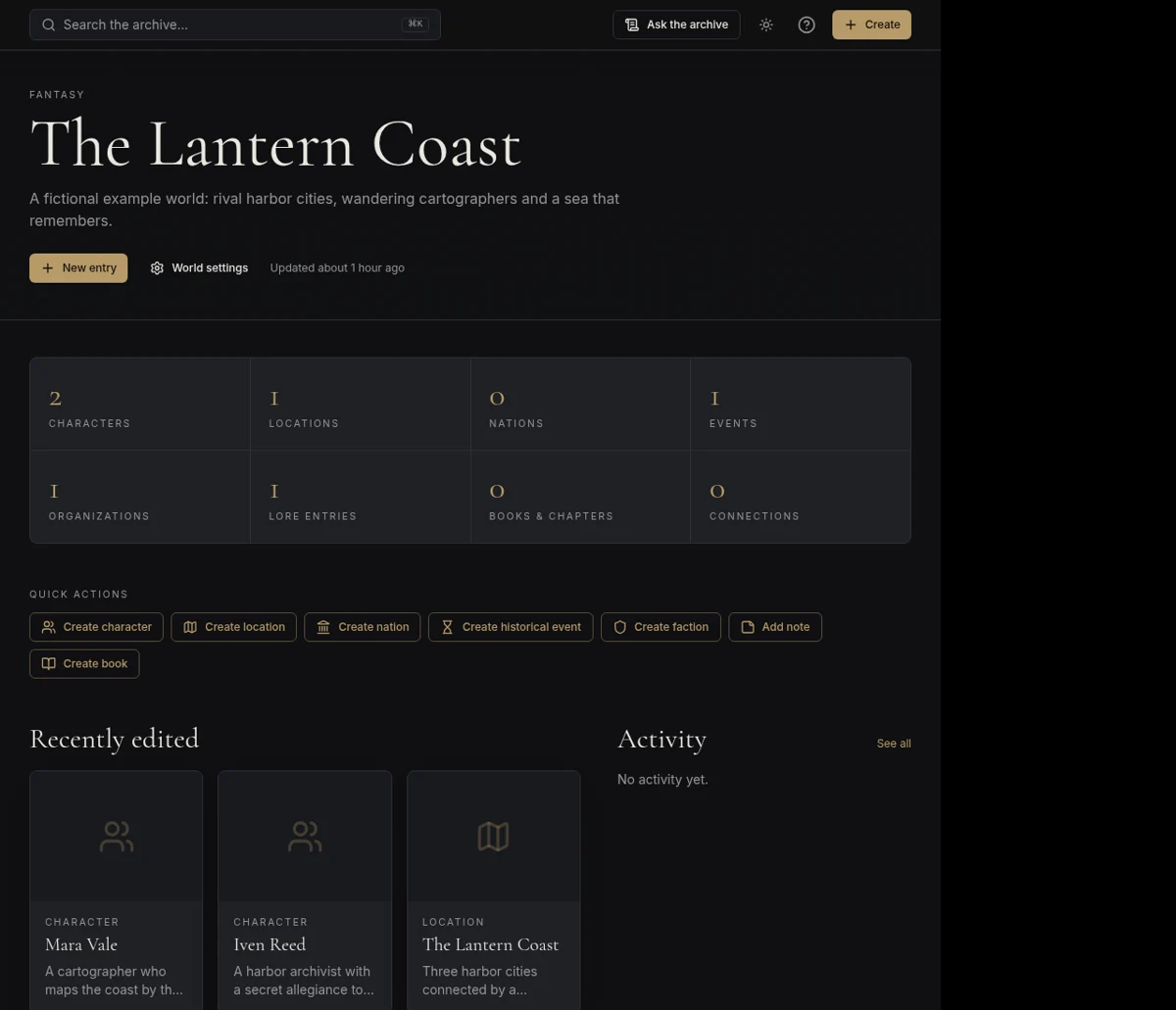
For a coastal adventure, create a cartographer, a harbor and a navigation guild. Link them so the character's allegiance and the city's politics are visible from the same archive. A family tree or timeline becomes useful when the story actually needs it.
- Give each important fact one home in the archive.
- Link entries instead of repeating the same history everywhere.
- Keep unfinished ideas in Notes rather than treating them as settled lore.
For novels, campaigns and shared universes
Novelists can draft chapters in the manuscript editor and consult lore while writing. Game masters can pin locations on maps and publish selected entries as a public wiki for players. Creators working across books can keep the setting in one world and organize the books within it.
AI brainstorming, concept drafts and editorial suggestions are optional. You can build your entire archive manually, then use AI for a specific question when you want another angle. Export chapters or keep a full world JSON backup on every plan.
Your first three steps
- 01
Create a world and give it a genre and description.
- 02
Add three entries central to your next scene and connect them.
- 03
Open a chapter, draft the scene and refine your lore as you go.
Before you begin
Is this only for fantasy?
No. The archive can hold science fiction, historical settings or other invented worlds. Use only the modules your project needs.
What does the free version include?
Every tool included, with a limited number of worlds and a monthly AI credit allowance. Exports are available on every plan; see pricing for the current allowances.